Our main tool of testing choice was ‘User Testing’. All UI components added and UX prototypes were to be tested by an audience of 10 -15 to get feedback and opinion. Results were analysed and presented to the relevant Product Owner to take actions on further iterations. In some instances I conducted store visits and talked with store representatives and customers and presented my work live. For work that is to be added into the design system, I did cooperate with a special team that is dedicated for UX A/B testing, where my prototype goes live for a fixed time and pegged against our Live page.
Earlier this year, User Testing introduced a new Figma plug-in that enables users to test prototypes without opening the web browser. That built in Figma plug-in ran on AI. I created my own hypothesis and AI adjusted the prompt by scanning through the code-enabled prototype and gave me a scenario recommendation. Of course I can always re-adjust my own prompt for perfection. Once I ran the test, AI grouped my test results based upon popular responses and summarized my finding.
This new AI Figma plug-in was running on a beta test mode and was used exclusively for the design teams of Three and Vodafone.
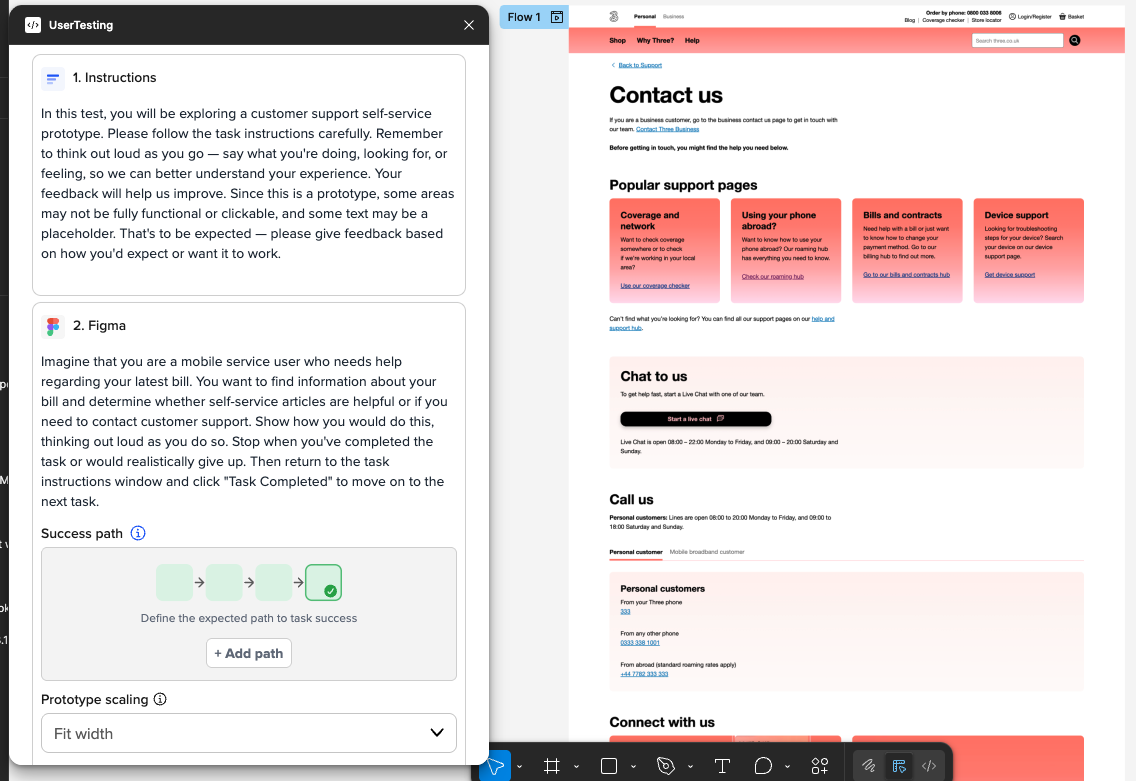
I start my test with my hypothesis (instructions) then the plug-in re-generates the prompt by scanning the artboard that is to be tested.
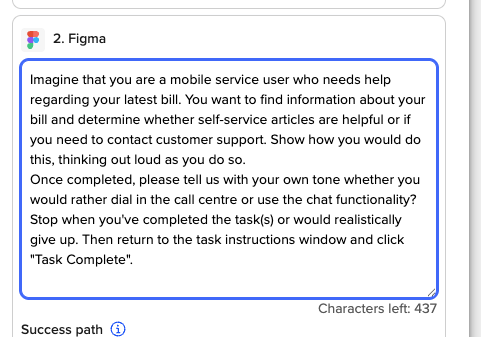
I can always over ride the Figma prompt and add more after getting the first inspiration
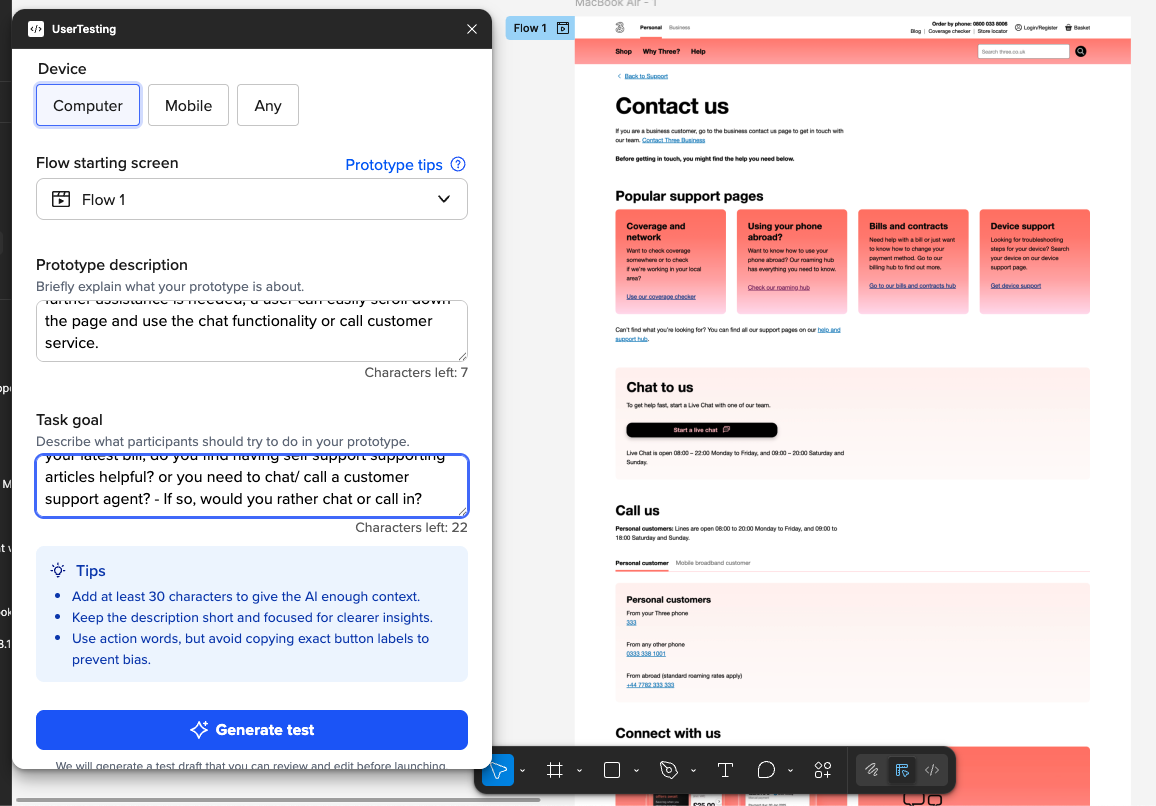
After I am satisfied with the final prompt, I generate the test.
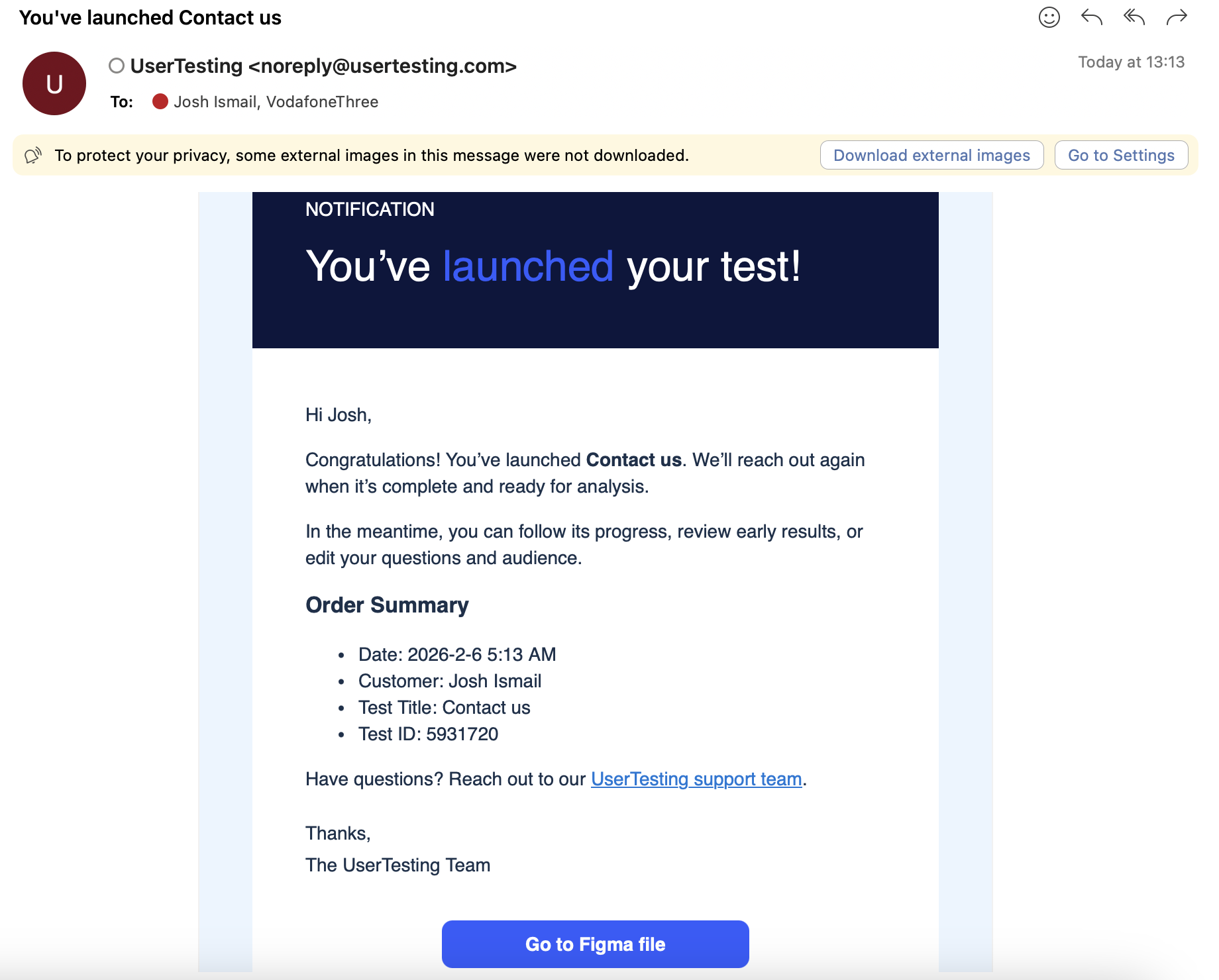
Results come in within 60 minutes which is one of the pros for this tool - which enables designers to iterate while working and keeping the same Figma page open.